
Export Options Reference
Detailed documentation of all export formats and their options.
TXT Export
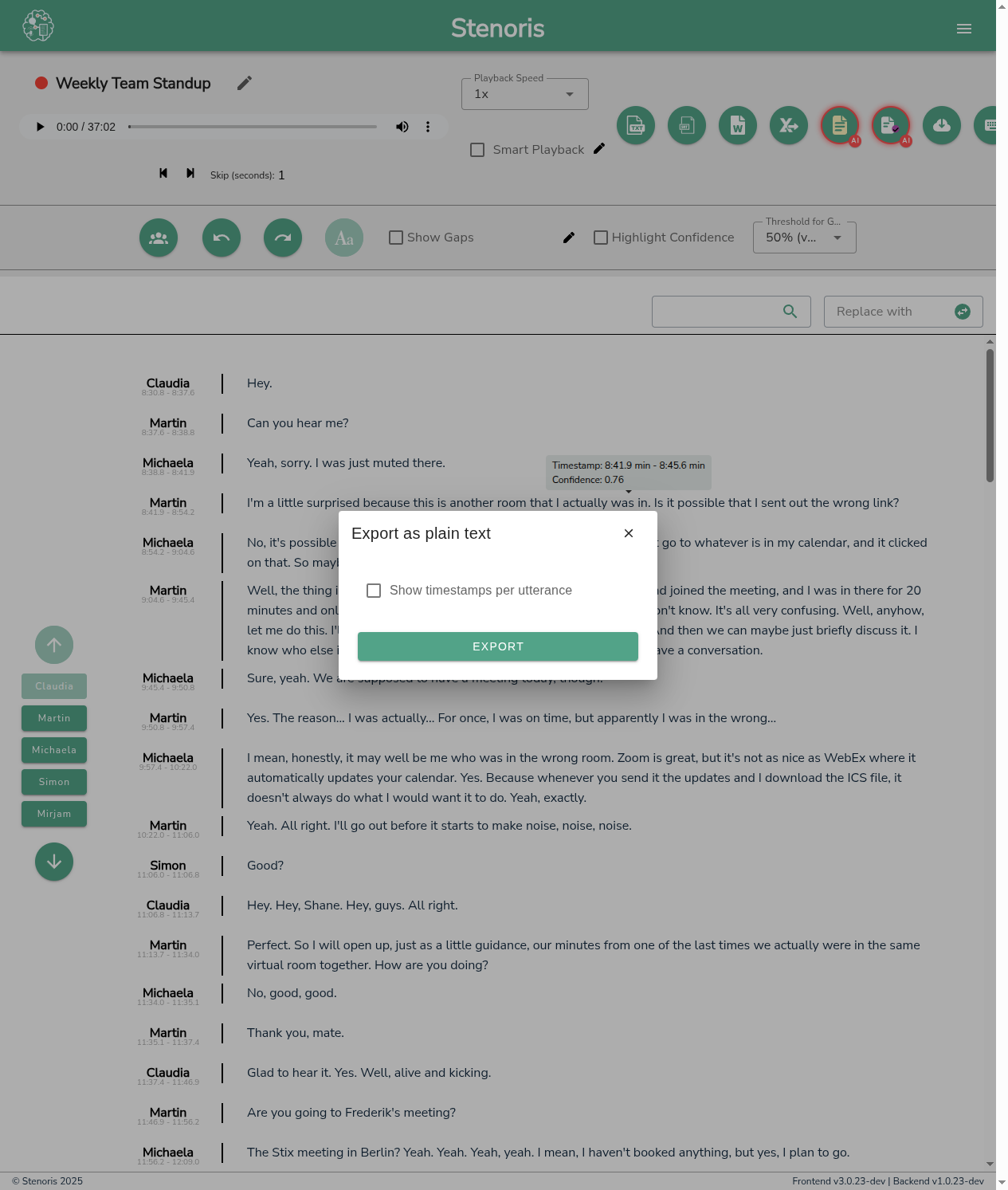
Plain text export for universal compatibility.
Include Timestamps
Add timestamp markers to the text.
Format: [00:01:23]
Include Speaker Labels
Prefix each speaking turn with speaker name.
Format: Speaker 1: Hello...
Line Breaks
Control how text is broken into lines.
- By speaker: New line for each speaker turn
- By paragraph: Preserve natural paragraph breaks
- Continuous: Minimal line breaks
Word Export
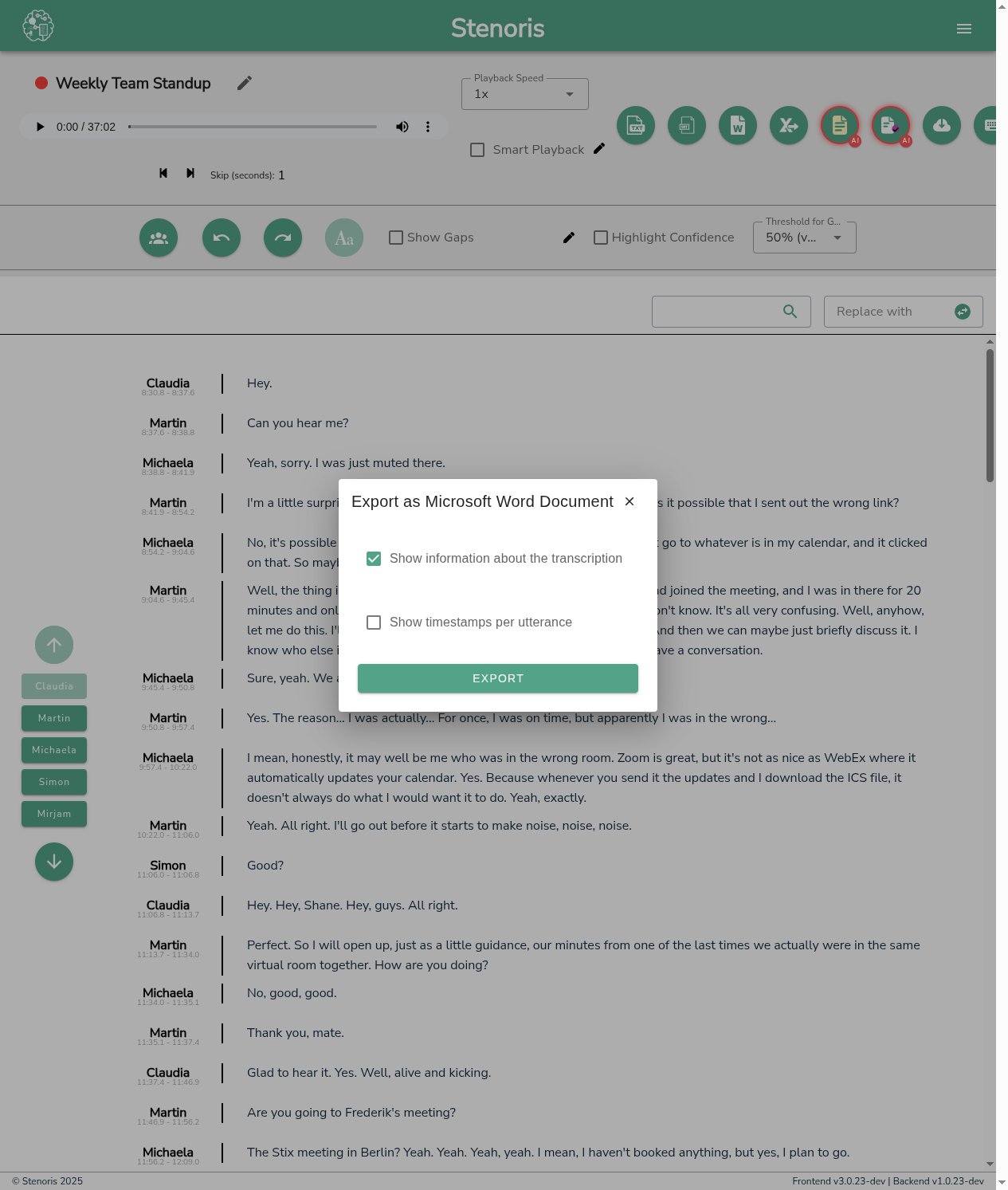
Microsoft Word document with formatting.
Include Timestamps
Add timestamps as formatted markers.
Speaker Formatting
How speaker labels are styled.
- Bold: Speaker names in bold
- Color: Color-coded speaker names
- None: Plain text speaker names
Header Information
Include project metadata in document header.
Page Layout
- Page size (A4, Letter)
- Margins
- Font settings
CSV Export
Structured data format for analysis and integration.
Columns
Select which data columns to include:
- Timestamp (start)
- Timestamp (end)
- Speaker
- Text
- Confidence
Delimiter
Field separator character.
- Comma (,) - Standard CSV
- Semicolon (😉 - European Excel compatibility
- Tab - TSV format
Include Header Row
Add column names as first row.
SRT Export
Subtitle format for video integration.
Characters Per Line
Maximum characters per subtitle line.
Recommended: 42 characters
Lines Per Subtitle
Maximum lines per subtitle frame.
Recommended: 2 lines
Include Speaker Labels
Show speaker name in subtitles.
Timing Adjustment
Offset all timestamps by a fixed amount.
Related
- Exporting Guide - Export overview
- AI Minutes - Generate meeting minutes